Selective Freeze(N) / Restore(N) & Reliable App Sleep
Keeps frozen background apps completely off during matches, protects your default SMS app, and restores only the frozen apps you select.
Built for 3 GB to 6 GB phones that lag in MLBB, CODM, PUBG, and Genshin. Pause background apps so they use zero RAM and zero CPU while you play—then restore everything in one tap.
v1.2.2 is live—adding selective Freeze(N) / Restore(N), fixing DPI/screen size restore, and adding in-app DrionTune Pay + Private DNS Adblock.
Keeps frozen background apps completely off during matches, protects your default SMS app, and restores only the frozen apps you select.
Fixes stuck zoom and screen size issues on affected devices, auto-reverts unsafe sizes in 15s, and keeps 1-tap Restore Factory.
Submit your InstaPay receipt directly inside the Pro tab, chat 1-on-1 for verification, and get a reusable DT-XXXX-XXXX restore code.
New Adblock sub-tab under System with AdGuard DNS, Cloudflare 1.1.1.1, Google DNS, and custom hostname support.
Restore All, Restore Anything, and Reset Everything stay 100% free—with 65 safe OEM presets, cold-start Shizuku protection, and reliable offline Ad/Updater handling.
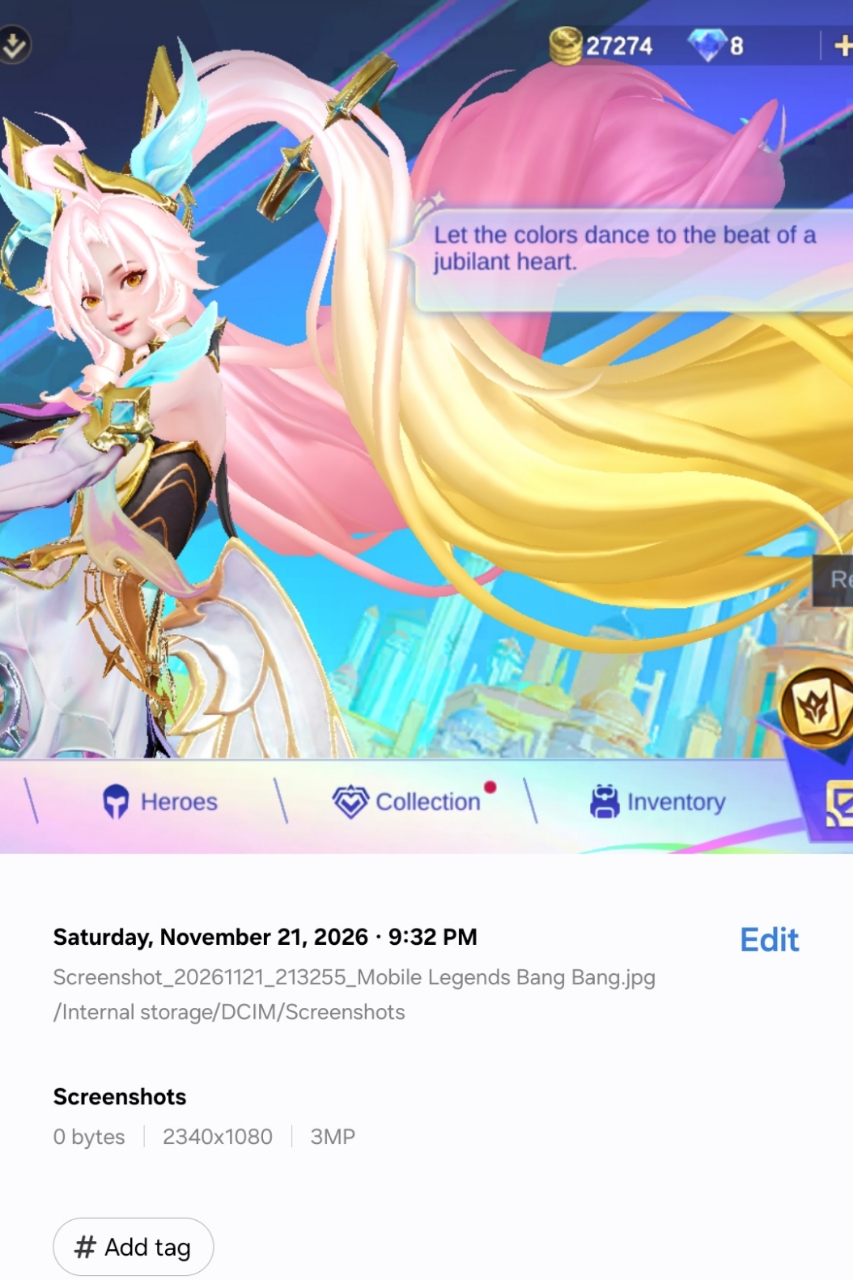
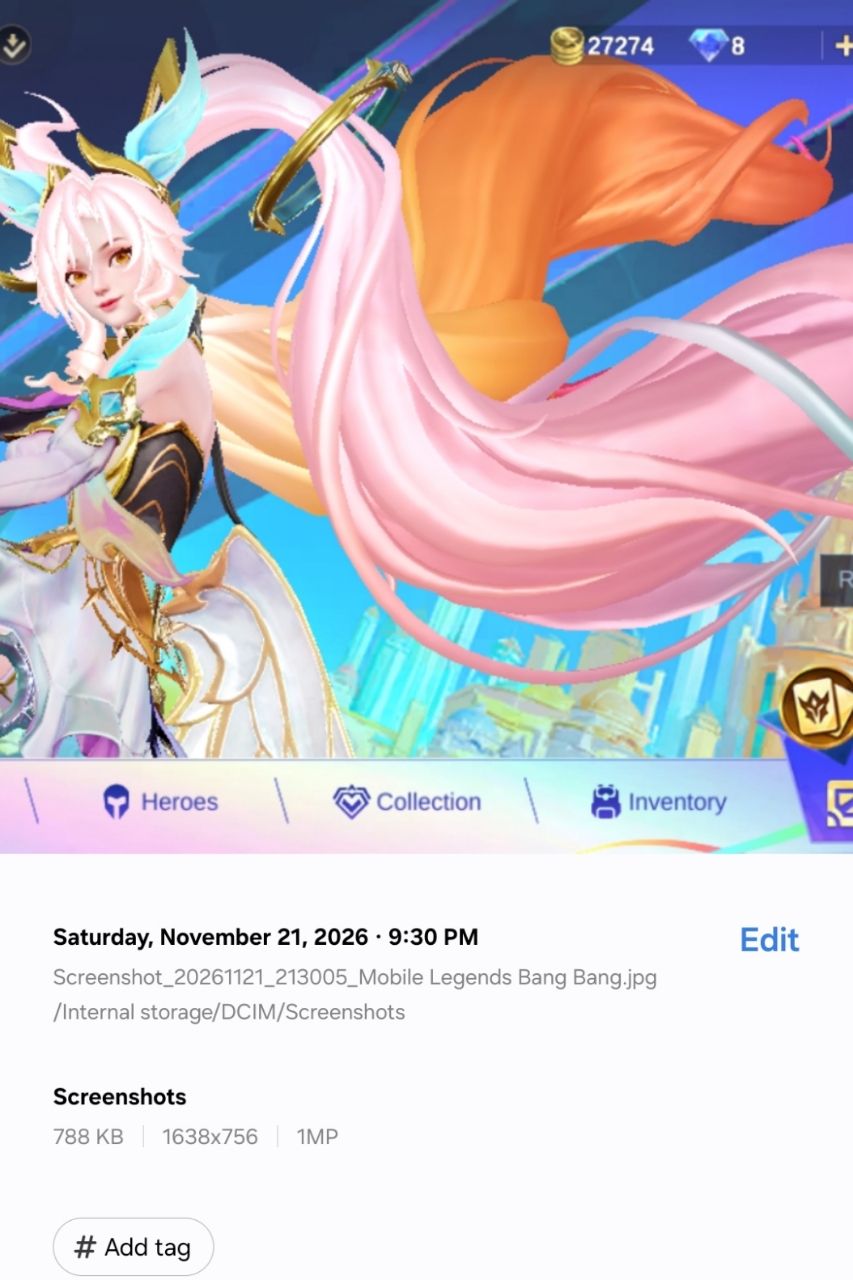
Actual gallery info from Mobile Legends after applying 70% Screen Resolution Scale—51% fewer pixels rendered per frame while keeping crisp UI.
Unedited Messenger feedback from players using DrionTune (names cropped for privacy).
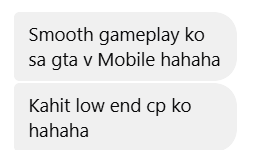
“Smooth gameplay on GTA V Mobile, even on my low-end phone.”
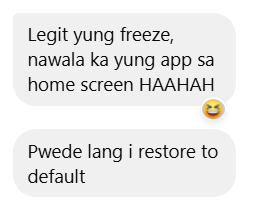
“The freeze is legit—frozen apps disappear from the home screen and restore right back to default.”
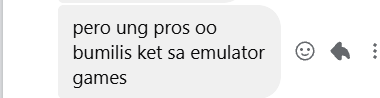
“Pero ung pros oo bumilis ket sa emulator games.” (The Pro features really sped it up, even in emulator games.)
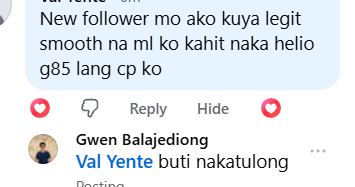
“Legit smooth na ML ko kahit naka Helio G85 lang cp ko.” (My Mobile Legends runs legit smooth now even on a Helio G85 phone.)
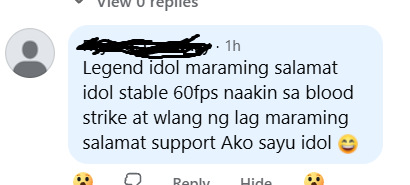
“Stable 60fps naakin sa Blood Strike at wlang ng lag, maraming salamat.” (Stable 60fps in Blood Strike and no more lag.)
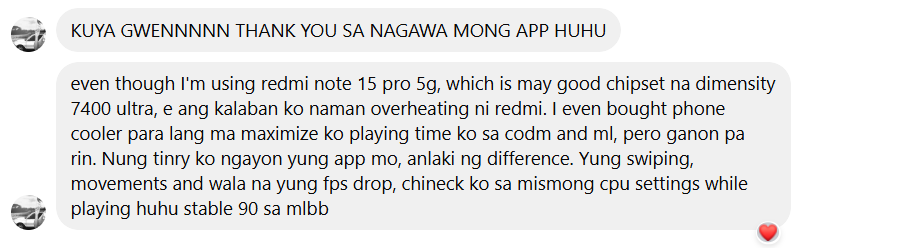
“Nung tinry ko ngayon yung app mo, anlaki ng difference. Wala na yung fps drop, stable 90 sa MLBB.” (Huge difference—FPS drops gone, stable 90fps in MLBB.)

“Nung hindi ko pa na access yung app 65–80 fps lang, nung ginamit ko yung app niyo stable 88–90 fps na.” (Went from 65–80fps to a stable 88–90fps in CODM.)
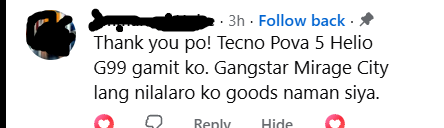
“Tecno Pova 5 Helio G99 gamit ko. Gangstar Mirage City lang nilalaro ko goods naman siya.” (Using Tecno Pova 5 Helio G99—runs smooth.)

“Hirap na hirap ako dati sa CODM nag ffps drop tas bilis uminit ng cp ko… smooth na ng CODM ko kse pinagf-freeze ko yung mga nag rarun na apps.” (Used to get FPS drops and overheating in CODM; now smooth after freezing background apps.)

“Ram ko 3 sobrang laggg nung walang driontune.” (Only 3GB RAM—it was super laggy without DrionTune.)
Play Store "RAM boosters" only play a rocket animation while apps restart 5 seconds later. DrionTune actually pauses them.
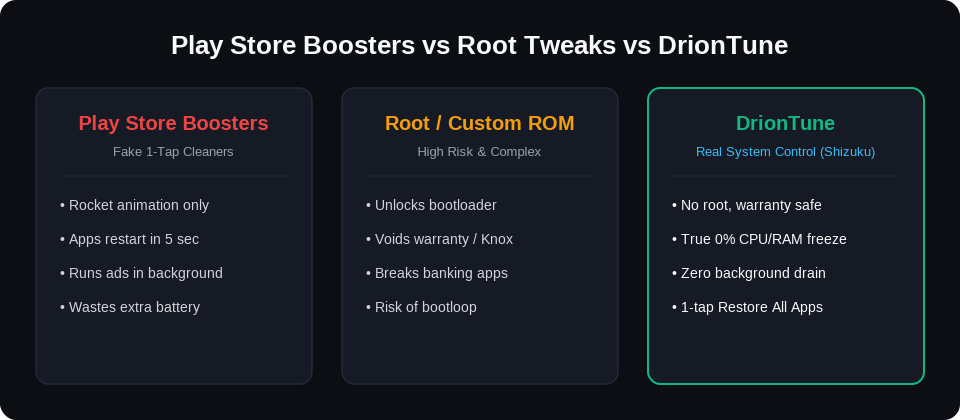
DrionTune stays completely off while you play so it never steals CPU or RAM from your game.
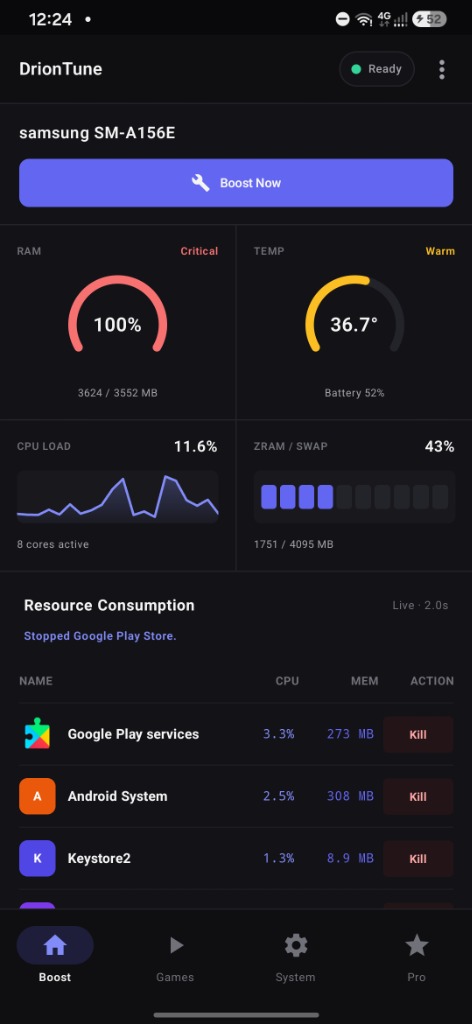
See real-time RAM, battery temperature, CPU load, and ZRAM at a glance. Tap Boost Now before a match to clear heavy background apps slowing your phone down.
Pick your game and select apps like Facebook, Threads, or GCash to freeze while you play. Your accounts stay logged in—tap Restore after your match and everything comes right back.
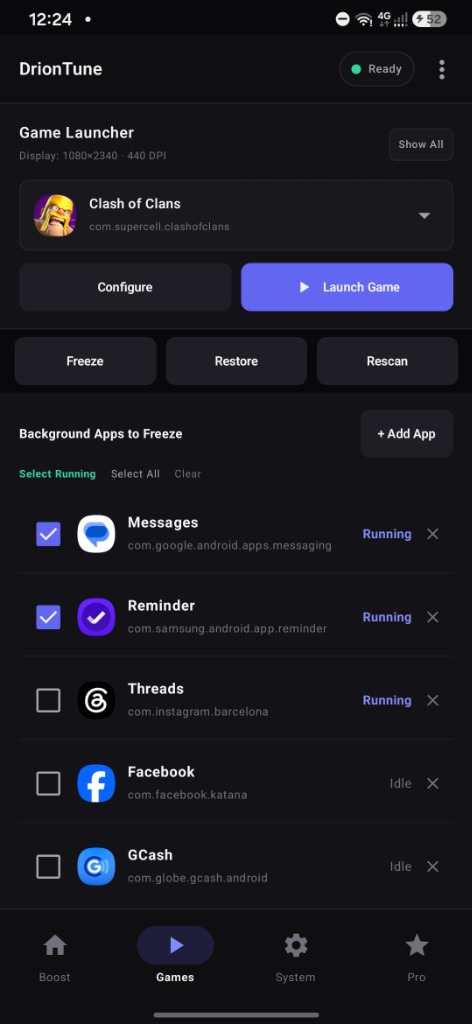
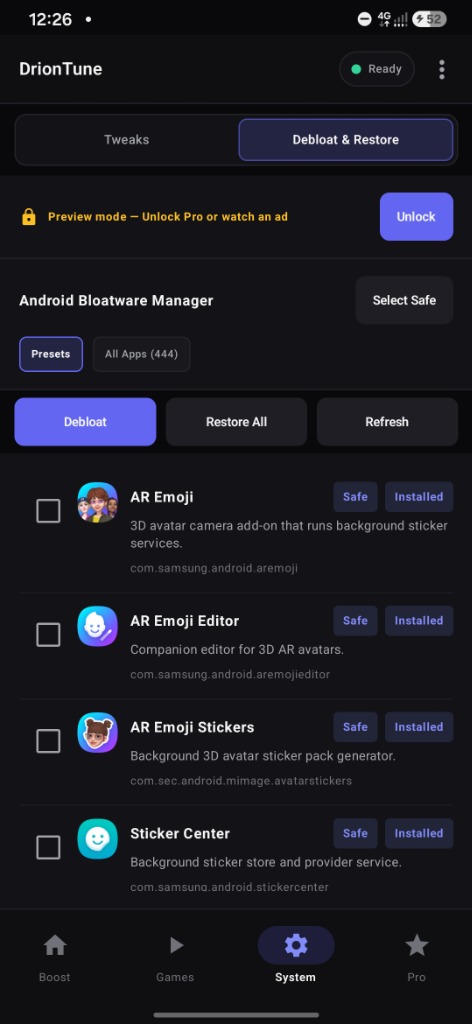
Hide unwanted brand and carrier apps that run silently in the background. Everything is reversible with the free Restore All button, so you never risk bricking your phone.
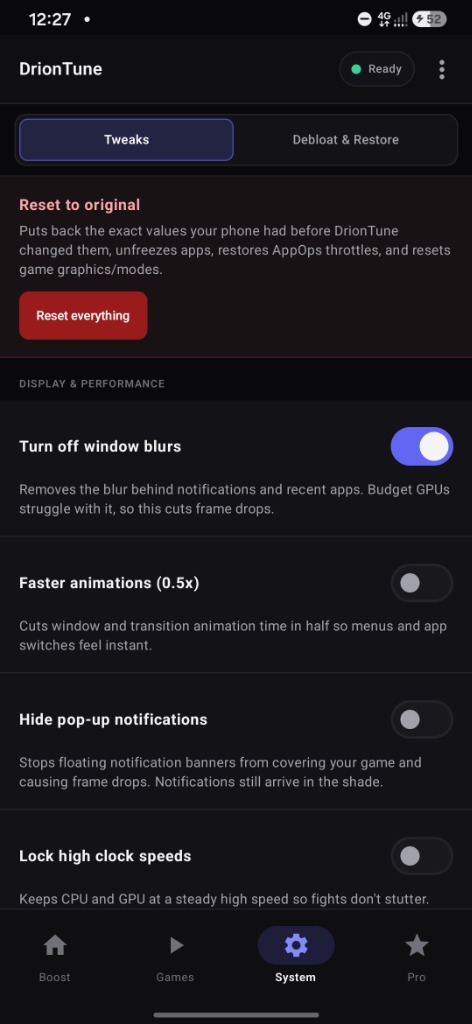
Turn off laggy window blurs, speed up animations (0.5x), hide pop-up notifications, disable Samsung GOS throttling, or bypass thermal drops when using a phone cooler. Includes a free 1-tap Reset everything button.
DrionTune uses the free Shizuku helper app so it can safely pause heavy apps without rooting your phone.
Install the DrionTune APK from this page, then pick either the Convenience Mod Shizuku (lets you turn Developer Options OFF after setup) or the official Google Play Store version.
Turn on Wireless Debugging in phone settings, enter the 6-digit code in Shizuku, and tap Start. Xiaomi / Redmi / POCO: also enable USB debugging (Security settings) in Developer Options.
Pick your game, freeze noisy background apps, and play smoother. Tap Restore when you finish.
Developer Options is still needed for initial pairing, but Shizuku 13.6.0 (thedjchi mod) lets you turn Developer Options OFF afterward. Prefer stock? Use the official Google Play version.
Use DrionTune free on your phone, unlock Pro forever for ₱150 / $2.99, or tune from Windows PC without Shizuku.
Everything you need for daily lag fixes and smoother gaming.
Full phone control forever with zero ads.
Stuck on Shizuku? Tune your phone directly from Windows 10/11.
DrionTune.exeNo credit card or PayPal? Email balajedriondev@gmail.com for GCash / Maya payment assistance. Windows SmartScreen note: on first launch of PC Edition, click More info → Run anyway.
Quick answers on safety, Shizuku, and upgrading to Pro.
Yes. DrionTune never roots your phone or unlocks your bootloader. Banking apps, GCash, system updates, and your warranty stay completely safe.
Android blocks normal apps from pausing other apps or changing performance settings. Shizuku is a free helper app that gives DrionTune safe permission without root. Read the 2-minute Setup Guide & Step 3 fixes, or use DrionTune PC Edition without Shizuku.
No. Freezing only pauses apps while you game so they stop using RAM and CPU. Tap Restore All Apps afterward and your apps, logins, and notifications come right back.
No. Core Android system apps are protected, and bloatware is only hidden for your user profile—you can restore any app in one tap.
Pay once on Gumroad ($2.99) or via DrionTune Pay in-app (₱150 GCash, Maya, or GoTyme) to receive a license key. Paste it inside DrionTune's Pro dialog to permanently unlock Bloatware Remover, Tweaks, and ad-free mode—no monthly fee.
Download DrionTune v1.2.2 free—zero background drain, safe restore buttons, and no root required.